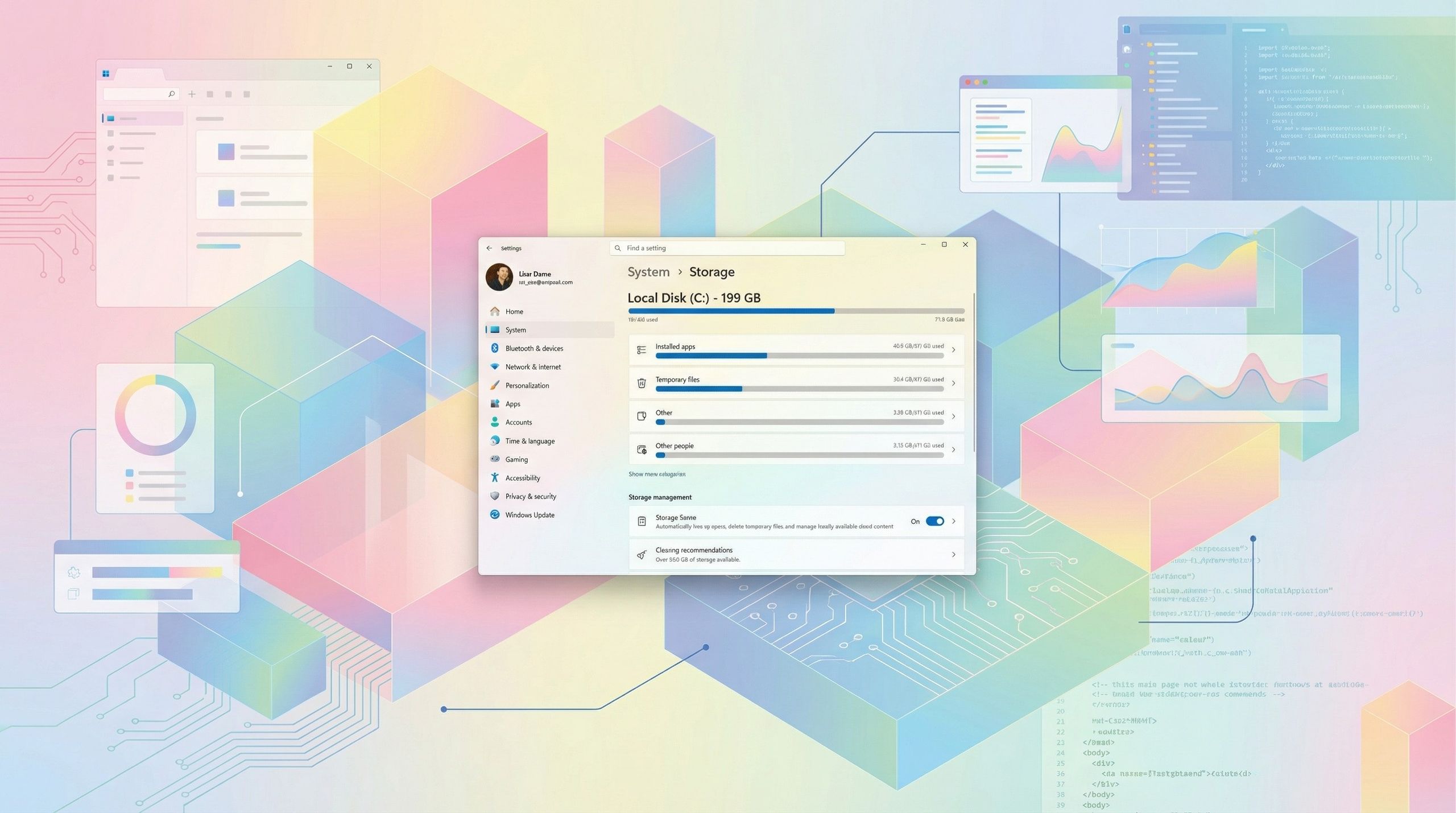
Microsoft will begin rolling out a change on February 10, 2026 that causes the Windows 11 Storage settings page to trigger a User Account Control (UAC) prompt and require administrator approval, a behavior first introduced in the non-security preview KB5074105 released January 29, 2026 (notes added January 30). The February 2026 Security Update will also carry features from KB5074105 including resumable Android apps, a major Windows MIDI Services upgrade, enhanced external fingerprint reader support for Windows Hello, and Smart App Control management without reinstalling. The change tightens device security but introduces potential usability friction for shared or non-admin PCs; immediate market impact is negligible though enterprise support and admin workflows may see modest operational adjustments.
Market structure: This is a small but asymmetric product-change favoring platform security actors. Microsoft (MSFT) gains marginal governance/lock‑in benefits — lower third‑party utility usage and a stronger enterprise security narrative — while PC OEMs (HPQ, DELL) and consumer utility vendors face modest support‑cost headwinds. Pricing power impact is tiny near‑term (<~0.5% revenue tilt) but can meaningfully raise switching costs over 12–24 months.
Risk assessment: Tail risks include regulatory scrutiny (EU/UK consumer‑rights suits) or a high‑profile support outage that forces rollbacks; probability low but impact high for OEM margins. Immediate (days) risk is customer confusion and elevated support volumes around Feb 10; short term (weeks–months) is reputational noise; long term (quarters) is enterprise adoption and potential monetization via security suites. Hidden dependencies: OEM support contracts, enterprise group‑policy adoption rates, and channel backlash will determine cost transfer.
Trade implications: Tactical positions should be small and asymmetric. Favor 3–6 month option exposure on MSFT to capture incremental enterprise benefit while hedging OEM downside. Defensive enterprise network/security names (CSCO, PANW, CRWD) can be modest longs (1–2% each) on continued security spend. Avoid large consumer‑PC shorts; prefer targeted short/put exposure to HPQ/DELL sized 0.5–1% to hedge support‑cost risk.
Contrarian angles: The market likely underprices recurring benefits to MSFT: small UX friction today can translate to higher enterprise governance budgets and Teams/Intune upsell over 12–36 months. Historical parallels (UAC, Defender hardening) show minimal revenue shock but stronger platform control; unintended consequence could be a short‑term boost to third‑party management tools if Microsoft missteps, creating opportunistic small‑cap trades.
AI-powered research, real-time alerts, and portfolio analytics for institutional investors.
Request DemoOverall Sentiment
neutral
Sentiment Score
0.00
Ticker Sentiment
