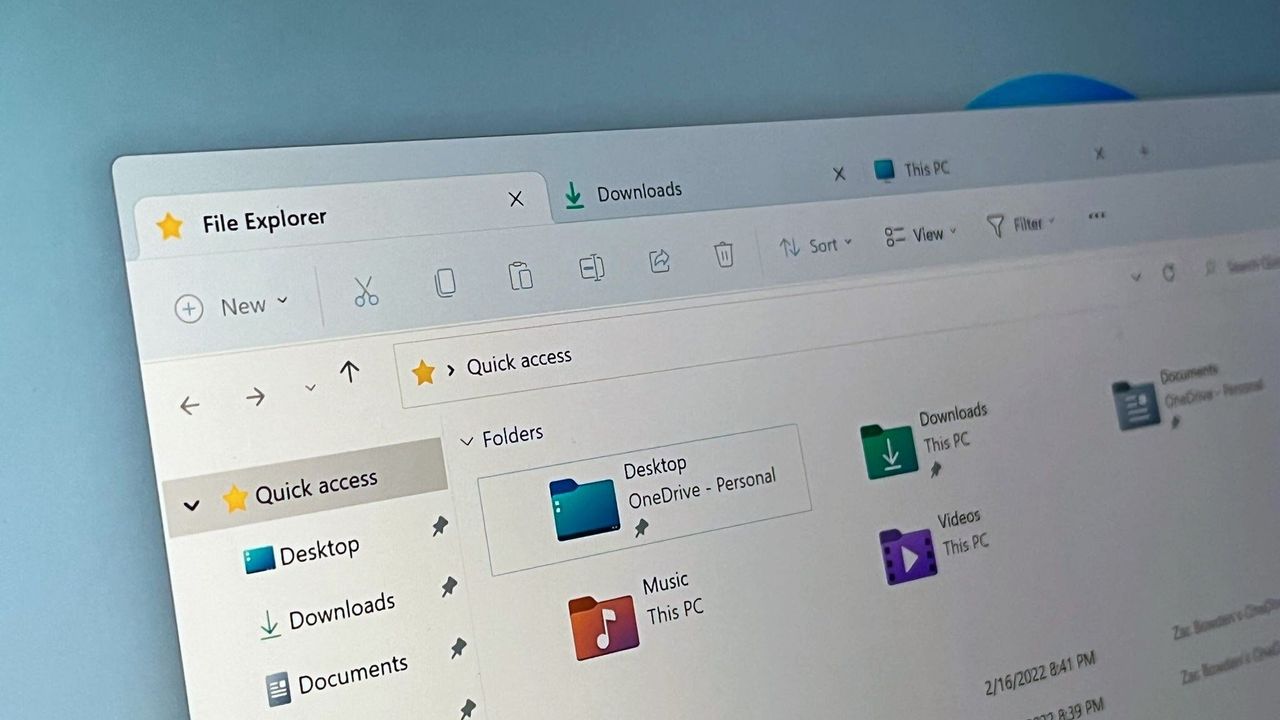
Microsoft said in the changelog for the latest Windows 11 preview build it will hide AI Actions in File Explorer’s right‑click context menu whenever no AI actions apply or the user has disabled them, with the change expected to start rolling out to all users early next year. The tweak — part of broader Windows 11 polish that also includes a more consistent dark mode — reduces UI clutter, responds to user feedback on optional AI integration, and signals Microsoft’s cautious, user‑controllable approach to embedding AI features in the OS.
Microsoft's Windows 11 preview changelog states the File Explorer right-click context menu will hide the AI Actions section when no AI actions apply or when users have disabled AI actions, with a wider rollout expected early next year. The change was framed as a direct response to user feedback about unnecessary menu clutter and will prevent the AI actions menu from appearing on every right-click when irrelevant.
This tweak complements other recent Windows polish efforts—explicitly an improved dark mode and broader cleanup of modern context menus—and signals a user-controllable, cautious approach to embedding AI into the OS. Allowing users to disable AI features so they no longer appear reduces UX friction and may improve perception among users resistant to persistent AI prompts.
Market signals classify the item as mildly positive with a very small market-impact score (0.05), implying limited near-term financial effect on Microsoft. The principal uncertainty for investors is behavioral: whether reduced visibility of built-in AI tools materially lowers user engagement with those features or instead improves overall satisfaction and retention once widely rolled out.
AI-powered research, real-time alerts, and portfolio analytics for institutional investors.
Request DemoOverall Sentiment
mildly positive
Sentiment Score
0.25
