
Company Financials and Market Data in One Workspace
Review company fundamentals, analyst estimates and supply-chain relationships together. Check a supplier or customer relationship against company disclosures, then export the financial tables you need.

AllMind Data Viewer is a company data and market data workspace for institutional investors that opens live quotes, company fundamentals, analyst estimates, filings, comps, and supply chain data for 30,000+ securities on one screen.
Know how a name trades
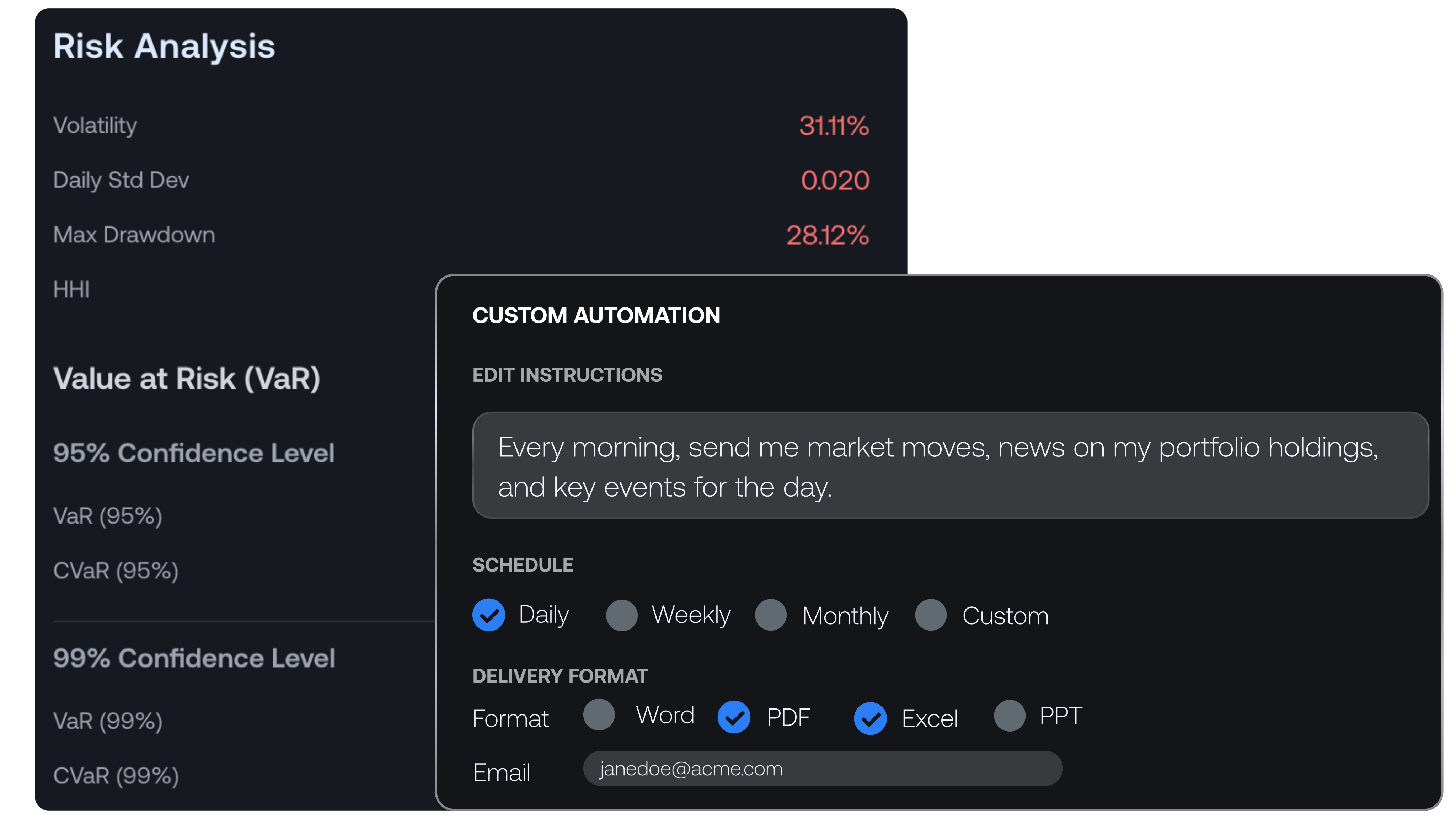
Open a company to a live quote header with bid, ask, and last-trade detail on full-coverage US names, plus an interactive price chart. The price analysis section breaks down returns, risk, and correlation, so analysts can see how a stock behaves before sizing a position.
Financials and estimates, side by side
Income statement, balance sheet, cash flow, and ratios with 70+ years of history on the platform. Company guidance carries its revision history, next to operating KPIs and segment detail. Analyst recommendations, consensus estimates, and price-target ranges are available in the estimates view. Every table exports to CSV or Excel.

Comps, supply chain, and the document archive
Filings, press releases, and presentations land in one consolidated feed, next to comps, supply chain relationships, ESG, IR and events, and all of the company's documents. Select cells in any table and send them to Chat with Ctrl+K, or bookmark a table into a Data Room.

What the workspace covers
Data Viewer covers 30,000+ securities across 18 markets, including the US, Canada and European markets. Check the listing, data fields, historical period and access required for each assignment.
The pre-meeting snapshot
Pull up the name ten minutes before a management meeting: live quote, the latest filings and press releases, current estimates, and upcoming events, all on one screen.
A comps refresh with export
Rebuild the comp set in the comps section and take the table straight into the model, exported to CSV or Excel.
Estimate-revision checks
Review consensus estimates, recommendations, and price-target ranges in the estimates view after a print, with the company fundamentals they price against on the same screen.
Supply-chain exposure mapping
Start with the supplier or customer relationship, then check the latest filing for how the issuer measures the exposure. A relationship does not give you a revenue weight. Keep any concentration figure tied to its reporting period and definition.
Event prep with the archive at hand
Work the IR and events section before an earnings call, with prior transcripts and presentations from the company's document archive a click away.
Common questions
What data does the AllMind Data Viewer cover?
A ticker search opens live quotes, company fundamentals, analyst estimates, filings, and events in a single workspace, with coverage spanning 30,000+ securities in 18 markets across North America and Europe, including Canadian names on SEDAR+. Income statement, balance sheet, cash flow, and ratios come with 70+ years of history on the platform, alongside company guidance with revision histories and operating KPIs and segment detail. Filings, press releases, and presentations land in one consolidated feed, next to comps, supply chain relationships, ESG, and IR and events.
Does AllMind include analyst estimates and price targets?
Yes. Analyst recommendations, consensus estimates, and price-target ranges are available in the estimates view. After a print, you can review estimate revisions with the company fundamentals they price against on the same screen.
Can AI map a company's supply chain for equity research?
AllMind Data Viewer brings supplier and customer relationships together with company fundamentals, estimates and disclosures. The relationship helps an analyst decide which companies to investigate. Quantified revenue exposure requires supporting disclosure.
Does AllMind export fundamentals and comps to Excel?
Yes. Every table in the workspace exports to CSV or Excel. You can rebuild a comp set in the comps section and take the table straight into the model, or select cells in any table and send them to Chat with Ctrl+K.
Every part of AllMind works from the same indexed documents and live market data. Move from a search to a grid to a finished report without leaving the terminal.
Explore the Platform
See AllMind on your own coverage
Join leading hedge funds and institutional investors who trust AllMind.Join leading hedge funds and institutional investors who trust AllMind to accelerate their research and analysis.