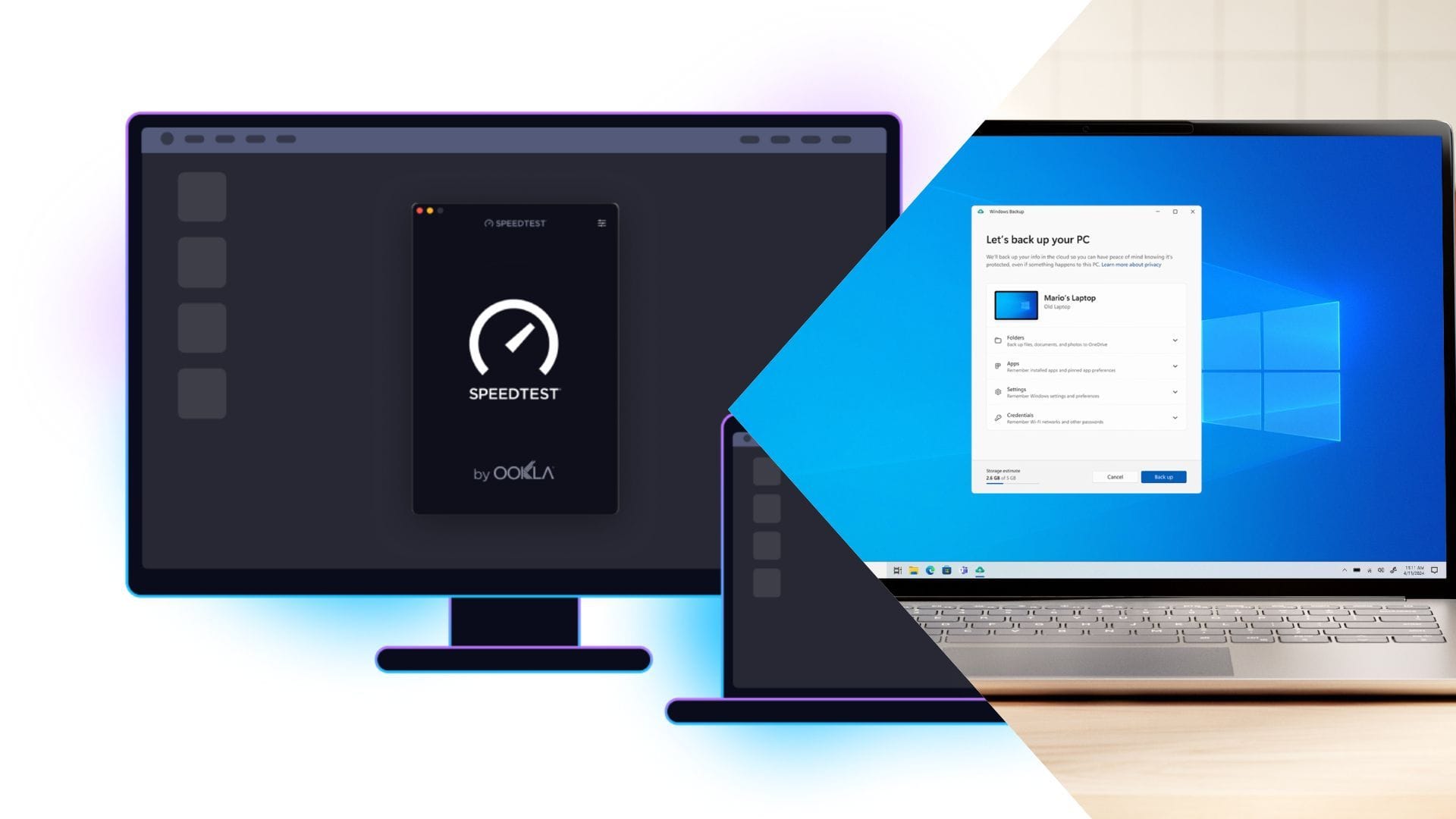
Microsoft is adding Ookla Speedtest directly into Windows, removing the need to open a browser or install a separate app to check internet speed, ping, or packet issues. The update should improve convenience and testing consistency for everyday users, gamers, and remote workers by providing a built-in, more direct network check. The news is positive for product utility but unlikely to have a material market impact.
This is a small but meaningful distribution upgrade for MSFT because it reduces friction in the “is it my network or my PC?” workflow, which is where a lot of support burden and user frustration lives. The incremental value is not the speed-test utility itself; it is the normalization of Windows as the default network diagnostics layer, which can quietly improve customer retention in enterprise-managed endpoints and gaming-heavy consumer cohorts. The competitive edge is subtle: once diagnostics live inside the OS, third-party utilities and browser-based tests lose discovery share, which weakens a small but sticky niche of utility software.
The second-order effect is more interesting on ecosystem control than on revenue. Bundled diagnostics create a higher-frequency touchpoint for Microsoft to route users toward Windows networking repair, telemetry, and potentially premium support workflows, while reinforcing the perception that Windows is the “system of record” for device health. That said, this is not likely to move the needle financially in the near term; the relevance is months to years, not days, and the biggest upside is defensive — reducing churn to macOS/Chromebook in environments where users over-index on simplicity.
Contrarian view: the market may overrate this as pure bloat or underappreciate it as a leverage point for Windows’ utility moat. If users perceive added preinstalled tools as clutter, engagement could be muted among enthusiasts, but the feature is still valuable in managed fleets where admins care about standardization. The main risk to the thesis is low usage: if the tool becomes one more buried icon rather than a trusted troubleshooting shortcut, the benefit stays anecdotal and the impact fades quickly.
AI-powered research, real-time alerts, and portfolio analytics for institutional investors.
Request TrialOverall Sentiment
mildly positive
Sentiment Score
0.18
Ticker Sentiment
