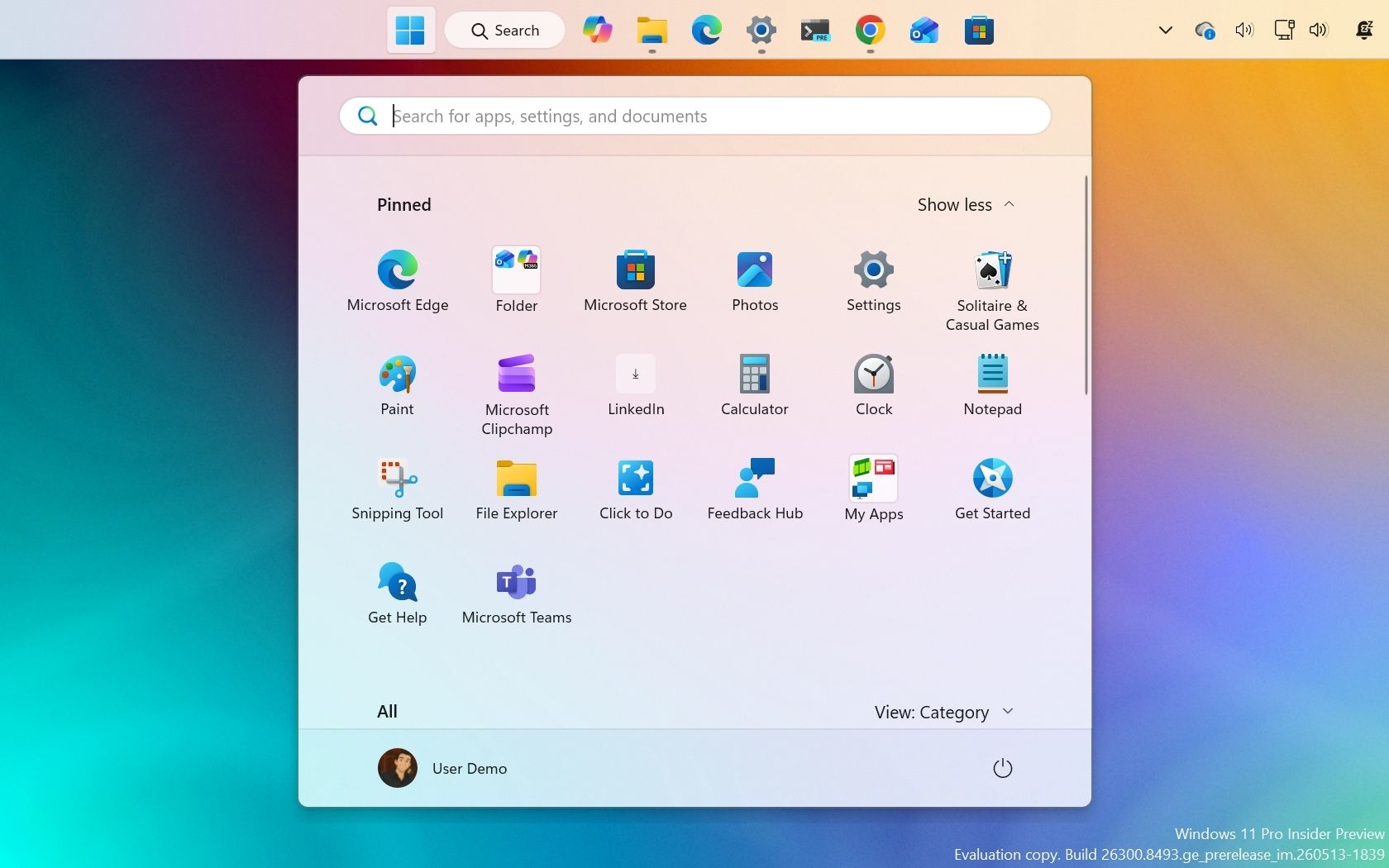
Microsoft's early-May Windows 11 preview builds focus on usability improvements rather than headline features, including a restored Taskbar position option, a modern Run dialog, quieter Widgets defaults, and File Explorer/Search refinements. The update set also expands NPU visibility in Task Manager, adds new touchpad gesture controls, and overhauls Windows Update with more user control over setup and pausing. Overall the changes are incremental but broadly positive for Windows adoption and enterprise manageability.
Microsoft is signaling a shift from feature velocity to friction removal, which is usually more valuable for enterprise retention than consumer excitement. The second-order effect is that Windows becomes less of a liability in managed environments: fewer user complaints, less help-desk load, and lower resistance to updates, all of which improve deployment rates for M365/E5 adjacent workflows. The market typically underprices this kind of “boring improvement” because it doesn’t move top-line immediately, but it can lift renewal durability and reduce churn into ChromeOS/macOS in education and SMB.
The most investable signal is the gradual de-risking of Windows Update and taskbar/search behavior. If Microsoft keeps reducing forced behaviors and web-first defaults through 2026, it should improve admin trust and shorten the cycle from preview to broad rollout. That matters because the real monetization path is not Windows licensing alone; it is whether Windows remains the default control plane for endpoints that then get attached to Copilot, Intune, Defender, and premium management layers.
The contrarian takeaway is that these changes may be more bullish for enterprise adoption than for headline AI spend. The NPU visibility and shared audio features look incremental, but they reinforce a hardware-software ecosystem where local AI and peripheral integration become reasons to refresh PCs. That creates a modestly better replacement cycle for OEMs and silicon partners over the next 6-18 months, especially if Microsoft continues to optimize around AI-capable devices without making the OS feel heavier.
The main risk is execution drag: preview polish does not guarantee shipping quality, and Windows users are highly sensitive to regressions in core utilities. If any of these UI/behavior changes break legacy workflows, Microsoft could face backlash that delays enterprise rollout, especially in regulated or education deployments. Still, the broader trajectory favors a lower-friction Windows stack, which is a slow-burn positive for the entire Microsoft ecosystem.
AI-powered research, real-time alerts, and portfolio analytics for institutional investors.
Request DemoOverall Sentiment
mildly positive
Sentiment Score
0.20
Ticker Sentiment
